
LogHRA
installation guide
Follow the steps below in order. The whole process takes about ten minutes.
A facelift model with HondaHack already installed.
Complete the payment via PayPal.
Use a USB drive of 32 GB maximum, formatted in FAT32.
Copy the provided file onto the USB drive. Do not rename it.
This file is unique to your vehicle — please do not share it.
Make sure the ignition is OFF and the head unit is powered off.
Insert the USB drive into the port next to the HDMI port.
Turn the ignition ON.
Wait for the head unit to fully start up.
Press and hold the power button until the reboot prompt appears.
Select Yes to reboot.
After the reboot, open the app (RA logo).
The car must be connected to the internet for this step.
Check that the server is online by entering this address in the browser of your phone or computer: https://activation.reprog-aveyron.fr/
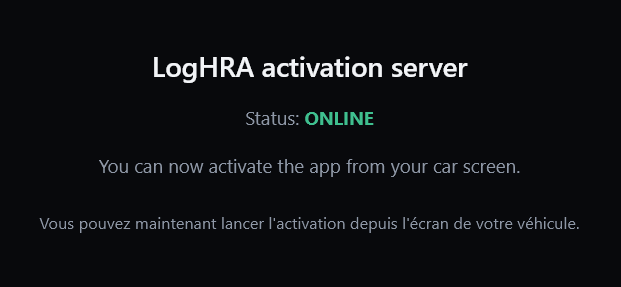
Then tap Activate.
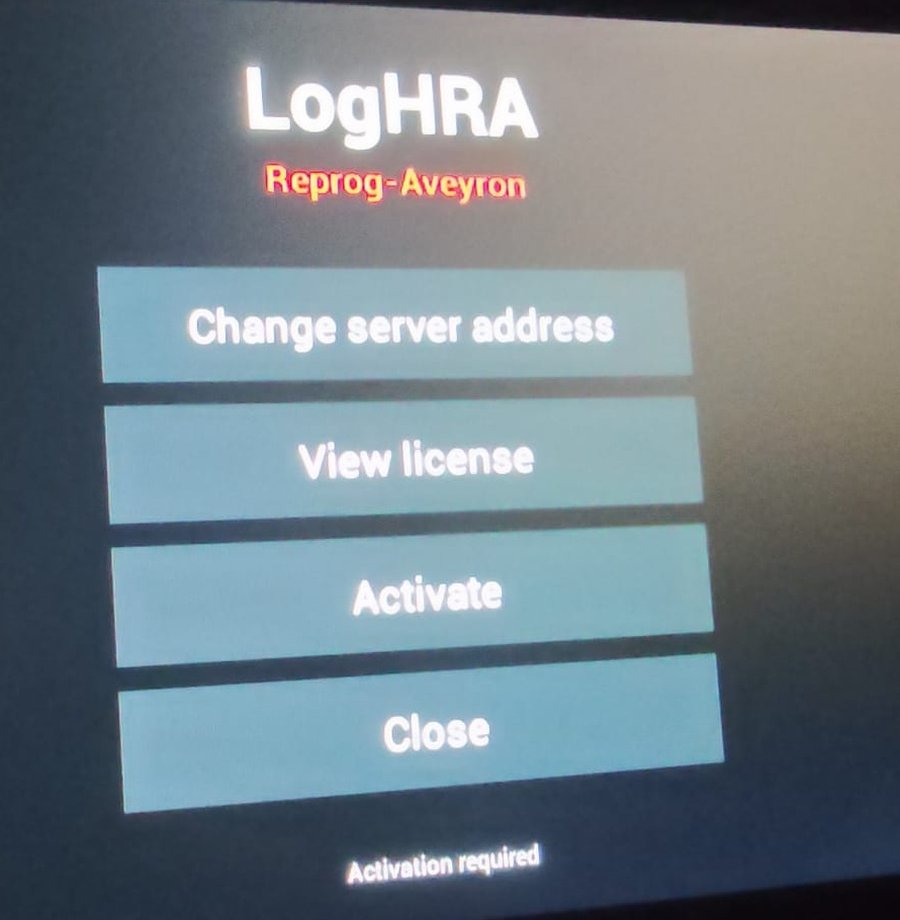
Open the app and compare your screen with the image below.
If it looks the same, the activation is complete.
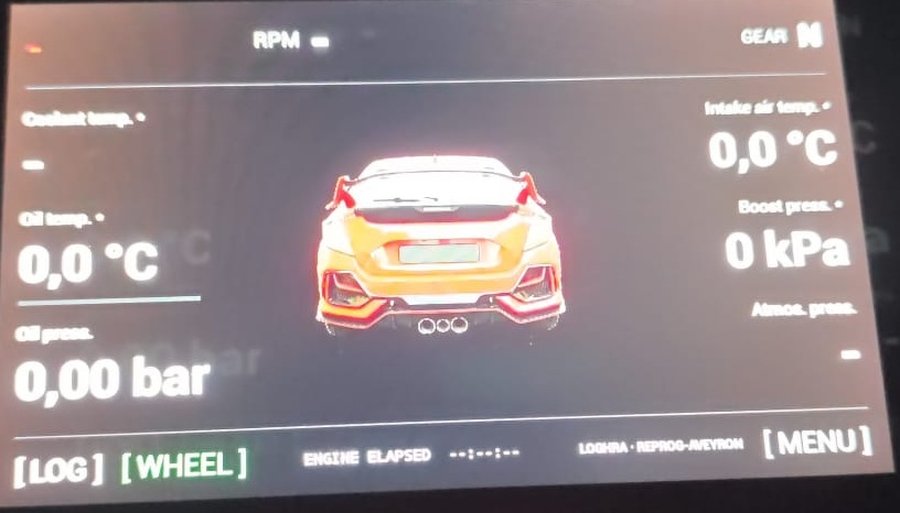
Once the activation is complete, remove the USB drive from the car — or delete the recovery.sh file from it.
If the drive stays plugged in with the file on it, restarting the head unit will run the installation again and the activation will be lost.
If something goes wrong
Check that the car is connected to the internet and that the activation server is online.
If the problem persists, send me a message with the step number and a photo of the screen.
LogHRA is an independent project, with no affiliation with HondaHack or Honda. All names mentioned belong to their respective owners. Any interaction with the screen must be done with the vehicle stationary.